Kodestree

Typography Course Online

27 Lessons
|
40 hours

kodestree’s Typography Course teaches you type anatomy, font classification, pairing, and visual hierarchy, turning raw text into confident, on-brand visual communication across print, web, and interface design projects. ✅ Level – Beginner ✅ 30-Hour Instructor-Led Live Training ✅ 100% Practical, Project-Based Design Exercises ✅ First Class Free – Live Demo Before You Commit ✅ Hands-on Type Pairing, Layout & Adobe Software Labs ✅ Trainers with 10+ Years in Graphic Design & Visual Communication

Typography Course Online
Share this course

About Course

Good design lives or dies on type, and kodestree’s Typography Course builds that skill from the ground up. Across 30 hours of live, instructor-led sessions, you will study letterform anatomy, typeface classification, and pairing rules, then apply them through real branding, editorial, and interface projects. Whether you are new to design or refining existing skills, this typography course prepares you to choose type with intention and communicate tone through every layout.

Prerequisites

This typography training welcomes complete beginners, though the following will help you settle into the live sessions faster:

  • A basic understanding of design principles (helpful, not mandatory)
  • Comfort using a computer and standard design or office software
  • Some familiarity with graphic design concepts is a plus, not a requirement
  • A genuine interest in visual communication and typography
  • Openness to practice, redraft, and take feedback on your work

Why Learn Typography?

Every brand, app, poster, and webpage is, at its core, mostly text – and typography decides whether that text is read, skimmed, or ignored. A designer who understands type anatomy and pairing works faster and defends their choices with reasons, not guesswork, which is exactly what separates a junior portfolio from a hireable one. Typography is also evolving quickly: variable fonts now let a single file adapt weight and width across devices, AI-assisted type tools are speeding up font pairing and headline generation, and accessible, dyslexia-friendly type choices are becoming a baseline expectation rather than a nice extra. Learning typography properly today means learning to work with these newer tools, not just classic print rules from a decade ago.

Course Objectives

By the end of this typography course, you will be able to plan, choose, and apply type with the same confidence as a working designer. You will be able to:

  • Identify and classify typefaces by structure, era, and use case
  • Pair typefaces confidently using contrast and compatibility rules
  • Build clear visual hierarchy through size, weight, and spacing
  • Apply kerning, tracking, and leading with precision
  • Adapt typography correctly for print, web, and interface contexts
  • Evaluate readability, legibility, and accessibility in any layout

What You Will Learn

This typography online training walks through the full skill set, from letterform basics to modern digital type systems. You will learn to:

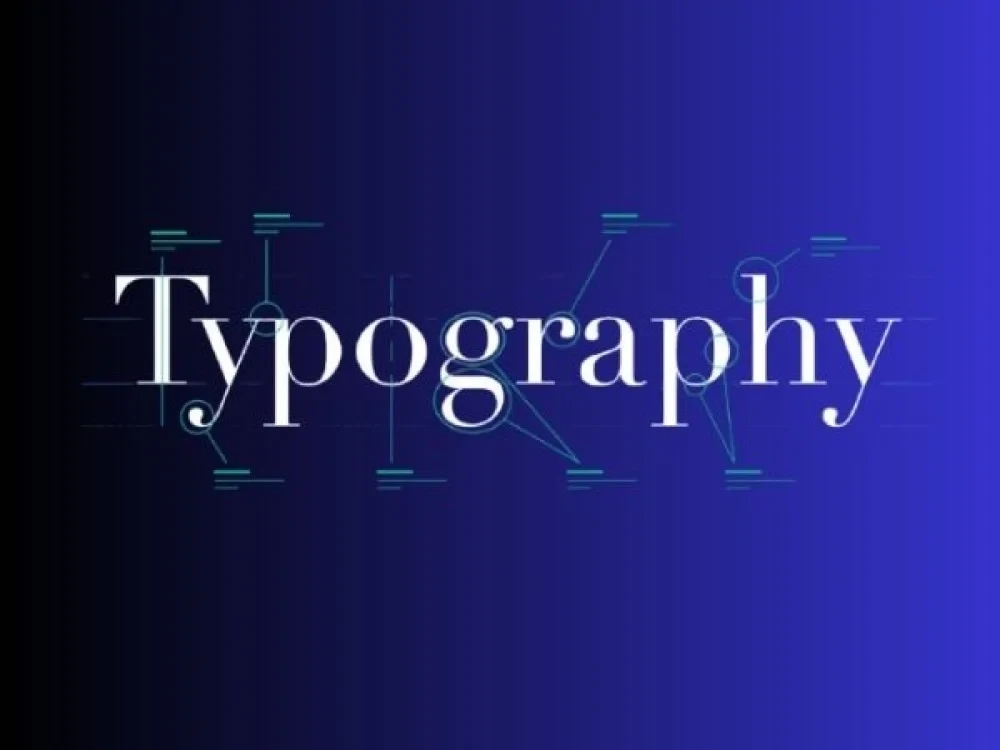
  • Break down letterform anatomy – x-height, baseline, ascenders, descenders
  • Classify typefaces – serif, sans serif, script, and display
  • Select and pair typefaces for consistent, professional layouts
  • Apply grids, columns, margins, and text flow in layout design
  • Work with web fonts, font formats, and responsive type
  • Use kerning, tracking, and leading for polished, readable type
  • Explore variable fonts and AI-assisted type pairing tools relevant in 2026
  • Apply typography to branding, posters, editorial layouts, and UI design

Who Is This Course For?

This typography online course is built for anyone whose work depends on how text looks and reads:

  • Graphic design students building foundational type skills
  • Beginner to intermediate designers sharpening their craft
  • Branding and marketing professionals shaping brand voice through type
  • Content creators and visual communicators working across platforms
  • UI/UX designers who want stronger command over interface typography

Tools You Will Work With

  • Adobe Illustrator – type manipulation and vector-based lettering
  • Adobe InDesign – layout, grids, and print-ready typesetting
  • Figma – UI typography and responsive type systems
  • Sketch – interface and digital design workflows
  • Web font formats – OTF, TTF, and WOFF for digital projects

Skills You Will Gain

Beyond typeface selection, this typography classes program builds design judgment that carries across every visual project:

  • Confident type selection and pairing under real deadlines
  • Layout and grid-based composition skills
  • An eye for readability, legibility, and accessible type choices
  • Ability to communicate tone and emotion purely through type
  • Working familiarity with variable fonts and AI-assisted type tools

Career Outcomes

Strong typography skills open doors across design and content-facing roles, including:

  • Graphic Designer
  • Brand or Visual Identity Designer
  • UI/UX Designer
  • Editorial or Publication Designer
  • Marketing Design Specialist
  • Freelance Typography or Lettering Artist

Why Choose kodestree for This Training?

kodestree pairs experienced design trainers with a flexible, practice-first format, which is why professionals keep choosing our typography classes over static, self-paced alternatives:

  • First class free – sit in on a live session before you commit to the typography course
  • 1-on-1 training option available alongside standard batches
  • Small batches, capped at 10 participants, for real feedback on your work
  • 24×7 lifetime support and access to recorded sessions
  • Flexible fast-track, weekday, and weekend batch options
  • 100% job assistance and dedicated career support after certification
  • 100% money-back guarantee if the training does not meet your expectations

Course Curriculum

Course Content

Lesson 1 – Introduction to Typography

  • What is Typography
  • History of Typography
  • Role of Type in Design

Lesson 2 – Anatomy of Type

Lesson 3 – Type Selection & Pairing

Lesson 4 – Typography Principles

Lesson 5 – Typography in Layout

Lesson 6 – Digital Typography

Lesson 7 – Advanced Typography Techniques

Lesson 8 – Practical Applications

Lesson 9 – Tools & Software

Request For Live Demo Class

Self Paced Learning
47,940.00
✓ Refund Policy
  • Duration: 40 hrs
  • 27 Lessons & Practical Labs
  • Lifetime Full Access & Free Upgrades
  • Downloadable Study Materials & Code Labs
  • Recognized Certification of Completion
  • 24x7 Online Support & Learner Forum
One to One Training
Contact Us
  • 100% Customized Delivery & Curriculum
  • Flexible Schedule as per Learner Convenience
  • Top Tier Industry-Experienced Instructors
  • Tailored Hands-On Project Mentoring
  • Dedicated Interview & Career Guidance
  • 24x7 Dedicated Priority Support

Placement Partners

Hettich
Bechtel
Emirates
Mitsubishi
Indian Navy
Tech Mahindra
AU Small Finance Bank
Capgemini
United Nations
Yash Technologies

Want to know Today's Offer

Typography Course Online Certification Exam

Upon completing the Typography Course Online, you will receive a globally recognized certification that validates your expertise in professional skills and industry best practices. This certification is a testament to your practical knowledge, hands-on skills, and professional readiness.

The Technology certification exam assesses your ability to apply real-world concepts, tools, and techniques learned during the course. Certified professionals are in high demand across industries, opening doors to exciting career opportunities and higher salary potential.

Our certification is recognized by top employers and organizations worldwide. Whether you are looking to advance your current career, switch to a new role, or demonstrate your expertise to clients, this certification gives you the competitive edge you need in today’s fast-paced technology landscape.

Read more
Typography Course Online

Frequently Asked Questions

No. The course introduces Adobe Illustrator, InDesign, Figma, and Sketch as you go, so arriving without prior software experience is completely fine. What helps more than software familiarity is curiosity about how type works and a willingness to practice.

A general graphic design course spreads time across branding, layout, color, and typography together. This program goes deep on one discipline - type - covering anatomy, pairing, hierarchy, and digital application in far more depth than a typography module inside a broader design course would allow.

Yes. The certificate reflects a project-based curriculum with real branding, editorial, and UI exercises behind it, not just a quiz score, and it is designed to be shared on LinkedIn or added directly to a design portfolio, which is what most hiring managers and clients actually look for.

Yes. Alongside the classical foundations of type anatomy and pairing, the curriculum includes a look at variable fonts and AI-assisted design tools, since both are now standard parts of a working designer's toolkit rather than optional extras.

Every live session is recorded, and you get 24x7 lifetime access to those recordings, so a missed class will not put you behind. You can also sit in on the same lesson in a later batch at no extra cost.

Typography decisions shape how marketing copy, presentations, and social content are perceived long before anyone reads a word, so content and marketing professionals often get as much value from this course as designers do - particularly around hierarchy, pairing, and readability.

Yes. The applied lessons in branding, poster, editorial, and UI typography are designed so you leave with finished, presentable work - not just notes - that you can add directly to a design portfolio.

Contact Us Worldwide

Call:
+91 7204614489

WhatsApp:
+91 7204614489

Email:
admissions@kodestree.com

LEARNER SUCCESS

What Learners Say

Real feedback from professionals who transformed their careers with our training

4.8/5
Average Rating
1,200+ Learner Reviews
Learner Reviews
Ankit Sharma Priya Menon Rahul Verma Sneha Kapoor +
10,000+
Learners Trained
Ankit Sharma Priya Menon Rahul Verma Sneha Kapoor +
95% Satisfaction
Satisfaction Rate

The trainers explained concepts through real-world attack scenarios, which I was able to apply on the job right after the course. Structured curriculum and hands-on labs were the best part.

After the CSM training, I can confidently facilitate Sprint ceremonies. The trainer's practical approach and real project examples were extremely helpful.

Agile concepts were explained clearly, especially backlog management and team facilitation. A bit more time would have made it even better, but overall a solid course.

Even as a beginner, I never felt lost — the step-by-step labs and doubt-clearing sessions made switching careers so much easier.

This training gave me more than just a certification — it gave me a Scrum Master mindset. The modules on servant leadership and conflict resolution were the most valuable.

Talk to an Advisor

Login

Don't have an account?